Part 1/3: Chat with Your PDFs Locally
Build a small RAG app with Ollama, Chroma, and source-aware answers
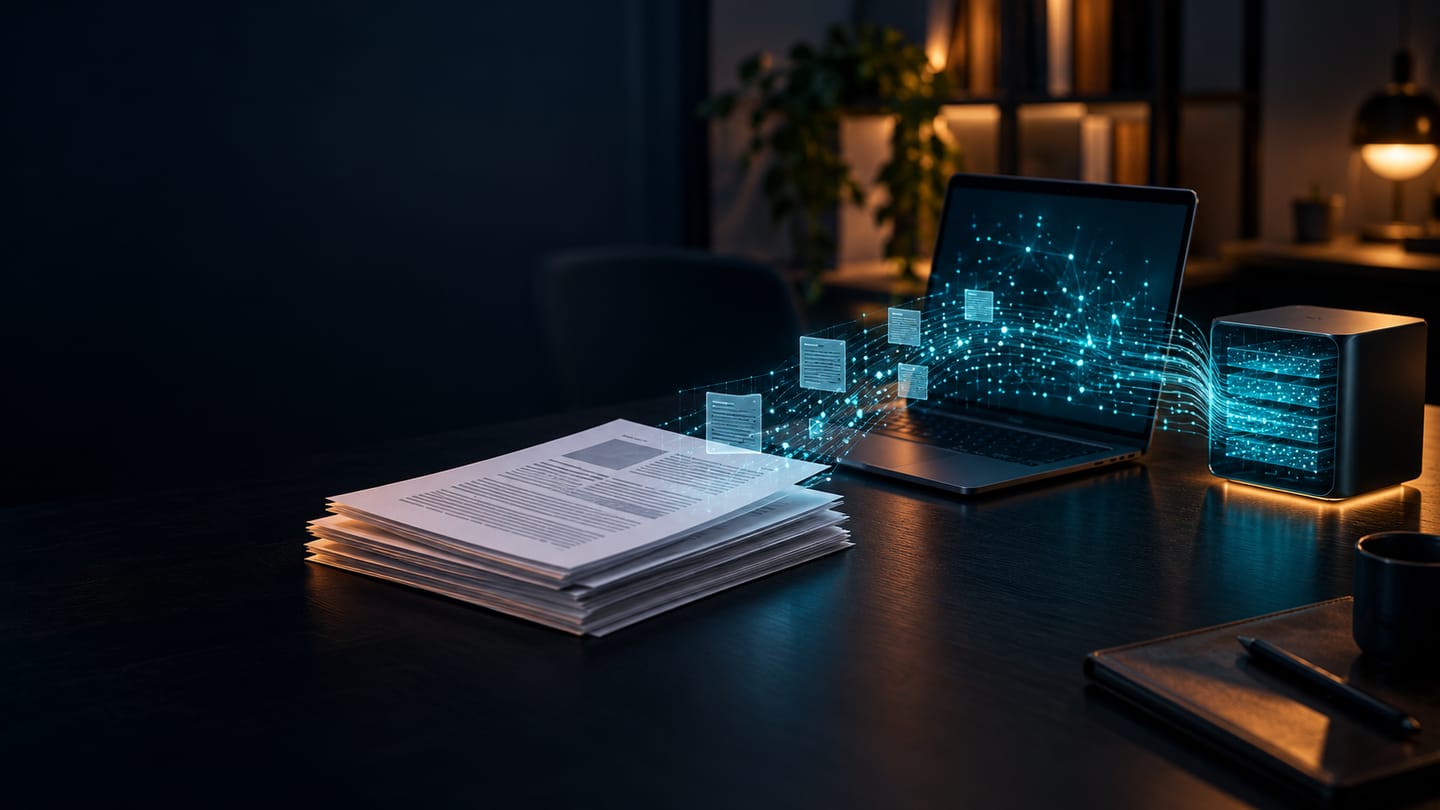
I have plenty of PDFs that are easy to store and surprisingly hard to use. The answer to a question might be one paragraph inside a long guide, but finding it means remembering the right filename, opening it, and searching for the words the author happened to use. A chat box feels like a natural interface. The difficult part is making its answer traceable: which document, which section, and which page support this claim?
This is the first post in a three-part series. We will build a small, fully local app that accepts PDFs with selectable text, answers questions about them, and shows the source excerpts. The complete Python project, README, and Makefile live in document-manager. Part 2 will examine retrieval mistakes and how to evaluate answers; Part 3 will add OCR for scanned PDFs. The numbered titles are deliberate: each post extends the same working example.
What we are building
The interface is a Streamlit chat. PyMuPDF4LLM extracts text by page. Chroma stores text chunks, their metadata, and vectors on disk. Ollama runs two local models: embeddinggemma to turn text into vectors and gemma3:4b to compose an answer from the retrieved passages.
PDF → extract text → split into chunks → embed → Chroma

question → embed → retrieve nearby chunks → answer → show sources
This is retrieval-augmented generation, or RAG. The language model does not read every PDF on each question. We first select likely passages and supply only those passages as context. That makes the system more useful, but a vector search result is merely a candidate. It may be the closest passage while still being irrelevant. That distinction matters whenever the answer is uncertain.
The app runs for one user on one machine. Uploaded PDFs and the vector index stay in its data/ directory; the browser app binds to localhost. Installation and model downloads need internet access, but ordinary questions use the local Ollama service. There is no cloud API key or separate vector database server.
Run the example
Install Python 3.11 or newer, uv, Ollama, and make. Start the Ollama app, or run ollama serve in a separate terminal. Then:
git clone https://github.com/JaimeDeArcos/document-manager.git
cd document-manager
make setup
make models
make doctor
make demo-pdf
make run
make setup installs the locked Python dependencies. make models pulls both models into Ollama; this is the largest download. make doctor checks that the service and models are available. make run opens the app at http://127.0.0.1:8501. The README documents ports, environment variables, and troubleshooting.
Upload data/demo-handbook.pdf in the sidebar and ask: How long are project notes kept? The sample PDF says 90 days in its Retention section on page 1. The response should show that reference and an excerpt. Then ask What is the holiday policy? There is no supported answer in that document, so the intended behavior is to say so. A local model can still make a mistake; check any cited excerpt rather than assuming this guardrail is infallible. You can also upload your own text-based PDFs, up to 25 MB each.
Preserve a path back to the original page
To cite a PDF, we need to retain its structure while indexing it. The extraction step requests page chunks from PyMuPDF4LLM:
pages = pymupdf4llm.to_markdown(document, page_chunks=True)
For each page, the app splits text into manageable chunks and stores the filename, one-based page number, and section label alongside the vector. A section label comes from a PDF table of contents entry or a Markdown heading detected in the extracted text. If neither exists, the honest label is Page N. We do not ask the answer model to guess where a passage came from.
Chunking has a trade-off. An entire long PDF is too broad for useful retrieval and too expensive to pass to the answer model. Tiny fragments lose context. This example caps chunks around 1,200 characters with a small overlap and keeps each chunk within its original page. It is a starting point, not a universal optimum. In Part 2 we will test whether those boundaries actually retrieve the evidence we need.
The app rejects image-only scans with a clear OCR hint. Silently indexing an empty page would make later answers look confident while leaving the document effectively invisible.
Index and replace documents without stale answers
The embedding model converts each chunk to a vector. Chroma stores that vector together with the chunk text and source metadata. At question time, the same embedding model converts the question, and Chroma returns the nearest stored chunks. Using a different embedding model for queries and indexed documents would compare positions in different spaces; if you change models, rebuild the index.
The index also tracks a hash of each PDF. Re-uploading the same bytes does nothing. Re-uploading changed bytes under the same filename replaces its old chunks, so a later question does not cite an outdated version of that document. The app adds the new vectors before removing the old ones, which protects the existing index if the new embedding or upload fails. You can remove a document from the sidebar as well.
This replacement behavior is easy to overlook in a demo and important in a useful tool. An answer with a precise page number is not trustworthy if that page belongs to a file you replaced yesterday.
Make the answer inspectable
The app sends the answer model numbered excerpts, each prefixed with filename, section, and page. It asks for a JSON response with an answer and the source numbers used. The application accepts only citation numbers that correspond to retrieved excerpts, then displays those excerpts beneath the answer. This prevents a fabricated citation to a nonexistent result, although it does not prove that the model interpreted a real excerpt correctly.
If the model reports that the excerpts do not support an answer, or provides no valid source number, the app returns: “I couldn't find a supported answer in the indexed documents.” That is a useful outcome. The system should not turn the nearest passage into a fact simply because every search returns something.
The source card is the final human check: read the cited paragraph, open the original PDF if needed, and verify the claim. The model is a shortcut to evidence, not a replacement for it. For decisions with real consequences, that distinction is part of the product design.
Where this first version stops
This example intentionally has a small boundary. It handles selectable text, a single local user, and a straightforward nearest-neighbor search over chunks. It does not perform OCR, manage access permissions, or prove answer quality. Tables, multi-column layouts, and vague questions can still produce poor retrieval. Even a valid source reference can accompany an incorrect paraphrase.
The next post will use this same project to ask a harder practical question: how do we know whether the right passage was retrieved and the answer is actually supported? For now, you have a working local application, a reproducible Makefile, and source metadata that lets you check what it tells you.